

Advertorial · Paid promotion

AdVanishly •

Why the Web Feels So Noisy, and How to Turn the Volume Down

You open a page to read one recipe, one news story, one product description. Before the first sentence loads, a cookie banner slides up, a video starts talking in the corner and a box asks if you would like to receive notifications. None of it is what you came for.

Sponsored content. Availability, features and pricing may vary by region.

Laptop on a wooden desk showing a busy web page next to a cup of coffee

Most of us have quietly accepted that the modern web is loud. We scroll past banners without seeing them, reach for the little "x" on overlays by reflex and mute tabs we never asked to play sound. It feels normal because it happens everywhere. But all of that dodging has a cost, and it adds up over a day of reading, shopping and searching.

This guide breaks the noise into its parts: what each kind of interruption is, why websites use it and what it asks of you and your browser. None of these elements is sinister on its own, and many help keep free content free. Once you can name them, though, you can decide which ones you are happy to live with and which ones you would rather switch off.

01The page you came for is in there somewhere

Think about the last article you opened on your phone. The headline appeared, then a banner pushed it down, then a sticky bar pinned itself to the bottom of the screen and a "recommended for you" strip squeezed in between paragraphs. By the time the layout settled, the text you wanted occupied maybe half the screen.

Designers call the visible part of a page above the fold its most valuable space, and that is exactly why so much competes for it. Every element placed there pushes the actual content a little further away. On a large monitor the effect is mild. On a phone, where the screen is small and your thumb is doing all the work, it can turn a two-minute read into a small obstacle course.

02Pop-ups and overlays that arrive first

Overlays are the boxes that sit on top of a page rather than inside it: newsletter sign-ups, discount offers, survey requests, "before you go" messages that appear when your cursor drifts toward the tab bar. They are effective for site owners precisely because you cannot ignore them; you have to deal with each one before you can continue.

An overlay is a question the page asks before it lets you read. Answer enough of them in a day and browsing starts to feel like paperwork.

The friction is not only visual. Some overlays shift the page as they load, so the link you were about to tap slides away and you hit something else. Others are built to be hard to close, with a faint close button or a choice worded to make "no thanks" feel awkward. Reducing how often these boxes appear is one of the quickest ways to make the web feel calmer.
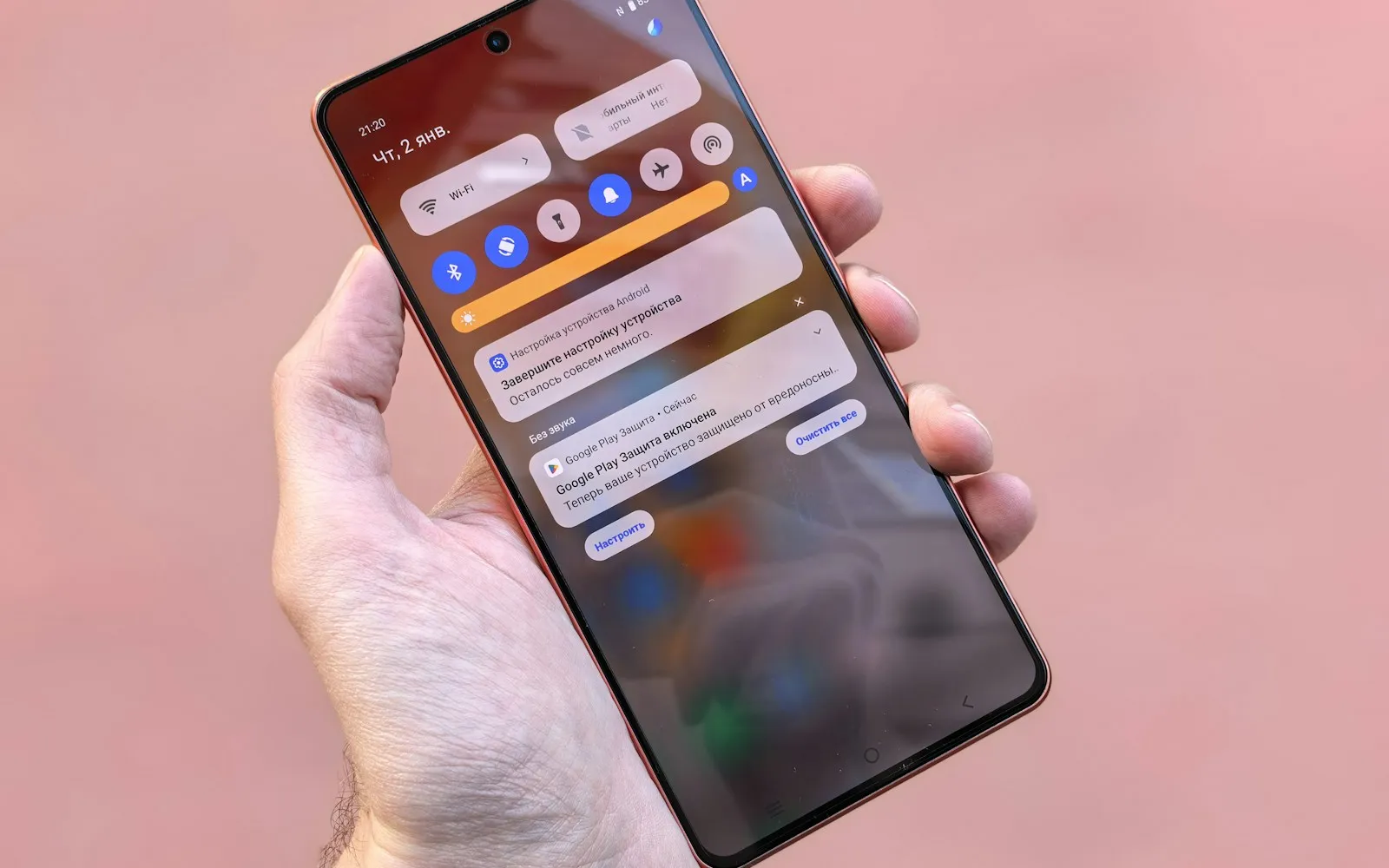
Hand holding a smartphone with a stack of notifications on the lock screen
Every prompt that asks for permission is one more decision standing between you and the page.

03Autoplay video, the uninvited guest

A video that starts by itself does three things at once. It grabs your eye with movement, it may grab your ears if sound is enabled, and it begins downloading data you never asked for. On a metered mobile plan, that last part has a real cost. On a slower connection, it competes with the text and images you actually wanted.

Many browsers now block autoplay with sound by default, which helps, but silent autoplay and floating players that follow you down the page are still common. If you find yourself constantly hunting for the pause button, that is a sign the page is spending your attention and bandwidth on its priorities rather than yours.

04Notification prompts and permission fatigue

"This site would like to send you notifications." Few prompts are dismissed more often, yet they keep appearing because a small share of visitors click "Allow," sometimes by accident. Once granted, a site can push alerts to your desktop or phone long after you have closed the tab, and some of those alerts are little more than ads in a different wrapper.

Quick check: open your browser's site settings and look at the list of sites allowed to send notifications. If you do not recognize a name, or no longer want to hear from it, switch it to "Block." It takes less than a minute and often removes a surprising amount of noise.

The bigger problem is fatigue. When every second site asks for something, whether that is notifications, location or a newsletter address, people start clicking whatever makes the box disappear fastest. That habit is exactly what makes misleading prompts effective, so cutting down the number of requests you see is good for your focus and your judgment.

05Trackers: the clutter you cannot see

Not all clutter is visible. Many pages load small pieces of code from advertising and analytics companies that record which pages you visit, how long you stay and what you click. This data helps sites measure audiences and target ads.

Each of those scripts is something your browser has to download and run. A single tracker barely registers, but a page that calls on a dozen third parties can feel noticeably slower to settle and become responsive.

There is also the privacy side. Trackers that follow you across sites are the reason an item you looked at once can appear in ads for days afterward. Limiting them gives you more say over what is collected while you browse.
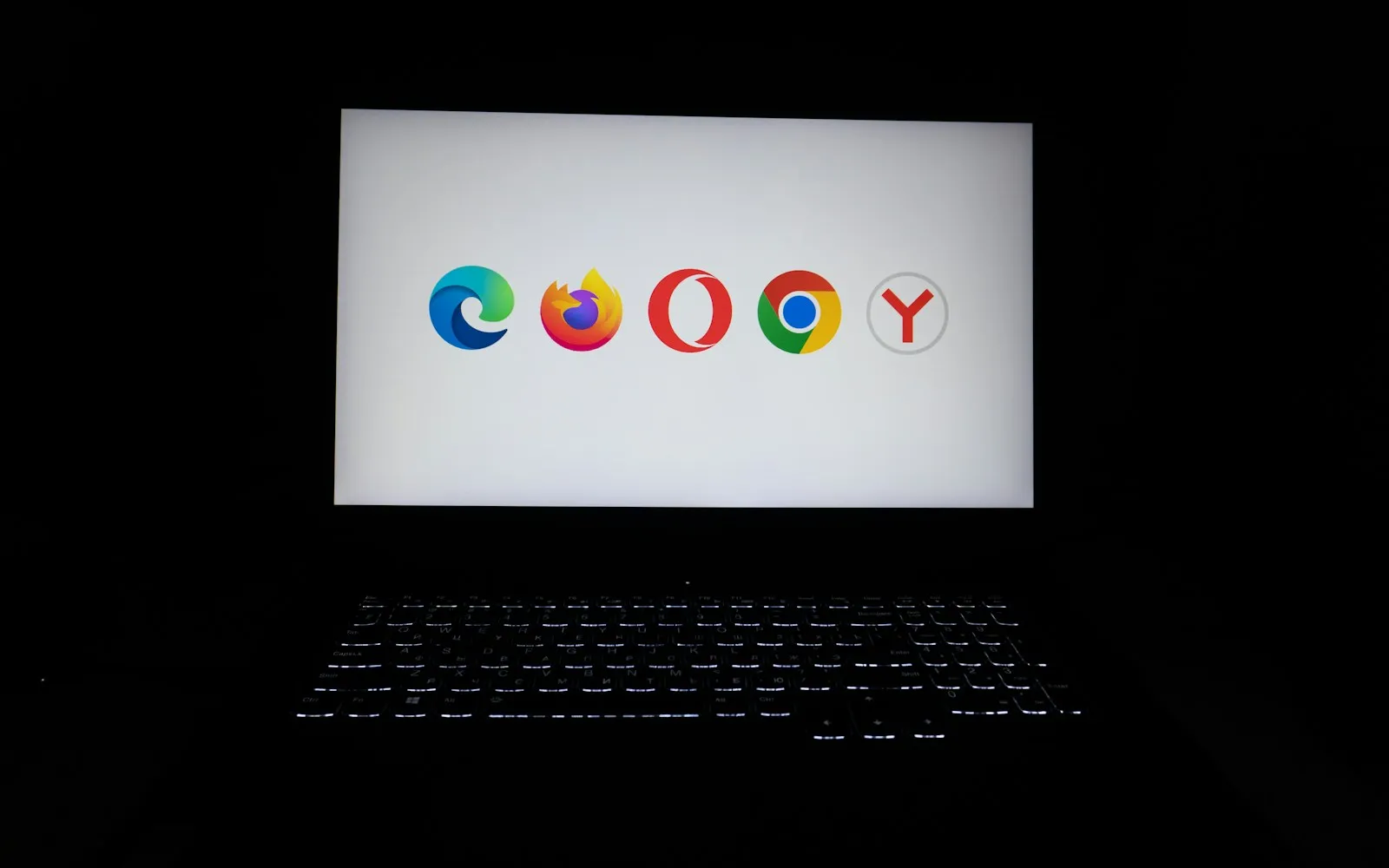
Laptop screen in a dark room showing the logos of several popular web browsers
Whichever browser you use, its settings and add-ons decide how much of the noise reaches you.

06Small habits that make browsing calmer

You cannot redesign other people's websites, but you can tune your side of the screen. A few low-effort changes go a long way:

  • Review notification permissions every few months and block sites you no longer need to hear from.
  • Turn on your browser's built-in protections, such as pop-up blocking and tracking prevention, and keep the browser updated.
  • Use reader mode for long articles; it strips a page down to its text and images.
  • Prune your extensions so only the ones you actively use remain installed.
  • Pause before clicking "Allow" on any prompt, and choose "Block" when you are unsure.

Habits like these handle a lot, but they rely on you making the right call every time. That is where a dedicated tool that filters supported ads automatically can take some of the load off.

07Where Total Adblock fits in

The Total Adblock Browser Extension is designed to reduce intrusive advertising across many websites. By blocking supported banner, pop-up and video ads, it can help clear away a layer of the interruptions described above, and it may also block many web trackers, giving you a bit more control over your privacy while you browse.

It is worth being clear about what it is not: Total Adblock is not an antivirus program, a malware remover or a complete security solution, and it does not scan your device. It works alongside your browser's own privacy settings and the habits above, not instead of them. The practical benefit is simple: with fewer ads competing for space, it is easier to focus on whatever you opened the tab to read.

Person in a mustard sweater typing on a laptop at a wooden table by a window
Less clutter on screen leaves more room for the thing you sat down to do.

08A quieter screen is mostly about choices

The noisy web is not an accident, and it is not going away. Advertising funds a great deal of what we read for free, and site owners will keep testing new ways to catch our attention. What you control is how much of it reaches you.

Start with the free steps: clean up notification permissions, switch on your browser's protections and lean on reader mode when a page gets busy. If you want a more automatic filter for supported ads and trackers on top of that, an ad-blocking extension is a reasonable next step. A calmer screen rarely comes from one big fix; it comes from a handful of small, deliberate choices.

What the extension is designed to do

The main capabilities described on the official Total Adblock listing, in plain terms.

Fewer banner and pop-up ads

Blocks supported banners and overlay ads so the article, recipe or product page you opened takes up more of the screen.

Quieter video ads

Helps reduce supported video ads that start on their own.

Fewer trackers

May block many online trackers and scripts that follow you between sites.

Your own preferences

Allow ads on sites you want to support and tailor how blocking behaves.

Lighter pages

With fewer ad elements to fetch, pages can feel quicker to settle and easier to use.

Works in the browser you already use

Available as an extension for Chrome, with versions for other popular browsers such as Edge, Opera and Safari.

Getting started takes a few minutes

The extension installs from your browser's official add-on store. Here is what the process looks like in Chrome.

Get the App
  1. Open the official listing

    Follow the link on this page to the Total Adblock listing on the Chrome Web Store.

  2. Add it to your browser

    Choose "Add to Chrome" and confirm the permissions prompt that Chrome shows.

  3. Pin and set preferences

    Pin the icon to your toolbar, then decide which sites, if any, you want to allow ads on.

  4. Browse as usual

    Visit the sites you normally read and see how they look with supported ads filtered out.

  5. Decide before the trial ends

    Use the 7-day trial to judge the premium features, and review billing terms before it ends.

Total Adblock: Free vs Premium

There is a free browser extension and one paid tier, Total Adblock Plus. Figures below are as published on the Total Adblock pricing page at the time of writing.

Free extension

$0 browser extension

Install the extension and start with a 7-day free trial of the premium features. After the trial, the basic ad-blocking features remain free.

  • Basic ad blocking (lesser-known sites)
  • Ad blocking on major sites (YouTube, Facebook, etc.)
  • Video-ad blocking
  • Blocks unwanted notifications & pop-ups
  • Tracker / privacy protection
  • Priority support
Add the free extension
Paid plan

Total Adblock Plus

$99 per year

The paid tier listed on the Total Adblock pricing page. Renews automatically at the then-regular rate until cancelled.

  • Basic ad blocking (lesser-known sites)
  • Ad blocking on major sites (YouTube, Facebook, etc.)
  • Banner, pop-up & video-ad blocking
  • Blocks unwanted notifications & pop-ups
  • Stops online trackers & scripts
  • Tailored blocking preferences · cancel anytime
See current Total Adblock pricing

Prices shown are as published on totaladblock.com at the time of writing and may vary by region and promotion. Monthly, quarterly, biannual and annual terms are offered, and plans renew automatically until you cancel. Refunds are subject to the provider's terms. Always confirm the current price and terms on the official Total Adblock website before purchasing. This page may earn a commission from purchases made through its links.

Works well. I had to restore Chrome to its default settings after getting the Yahoo Search Engine virus. Then I was without Total Adblock for a day, and it reminded me about how annoying all the ads were. Glad to have it back.
DEDavid E.Chrome Web Store review · Oct 7, 2026
It works
SBSandra B.Chrome Web Store review · Oct 7, 2026
Long overdue on my desktop computer. worried about scammers attacking but now, not been an issue,
KMKenneth M.Chrome Web Store review · Sep 29, 2026
I keep getting pop ups, banner ads, and browser hijacks of a tab; not from advertisers, FROM THIS AD BLOCKER.
Bbashpr0mptChrome Web Store review · Oct 9, 2026
If it is free why did you charge me $129.00
JSJim S.Chrome Web Store review · Sep 21, 2026
I am so pained, i paid for the 1 year anti virus protection and after installing, i keep receiving pops up. This is so frustrating.
EEEjiroghene E.Chrome Web Store review · Sep 28, 2026

Reviews above are real, unedited entries from the Total Adblock listing on the Chrome Web Store, shown with shortened reviewer names and the dates listed there. They were selected to reflect the spread behind the 3.3 out of 5 average, positive and critical alike, and are not endorsements by AdVanishly. Ratings on the Chrome Web Store change over time and may not match what is shown here.

Subscription and refund questions

Answers based on information published by Total Adblock. Check the provider's own site for the current terms.

What plans does Total Adblock offer?

There is a free browser extension and a paid plan, Total Adblock Plus. Monthly, quarterly, biannual and annual terms are offered. Paid plans renew automatically at the then-regular rate unless you cancel before the end of the term.

Is the free version really free?

The extension itself costs nothing to install and includes a 7-day trial of the premium features. After the trial, basic ad blocking stays free; features such as blocking on major sites and video-ad blocking require the paid plan.

How do I cancel my plan?

Log into your Total Adblock online account and open the My Subscriptions section. The provider also publishes a step-by-step cancellation guide in its help centre.

How do refunds work?

According to Total Adblock, you are eligible to request a refund within 30 days of starting an annual or biannual plan, or within 14 days of starting a monthly or quarterly plan. If a refund is approved, access to the service ends immediately.

Is Total Adblock an antivirus program?

No. It is an ad-blocking browser extension, not an antivirus program, a malware remover or a complete security solution. It does not scan your device. It reduces advertising-related clutter and supports your privacy alongside your browser's own controls.

Which browsers does it work with?

Total Adblock is available for Chrome through the Chrome Web Store, with versions for other popular browsers including Edge, Opera and Safari.

Can I still support sites I like?

Yes. The extension lets you tailor your blocking preferences, so you can allow ads on websites you want to support while filtering them elsewhere.

Make your everyday browsing feel calmer

If crowded pages and intrusive ads are making your time online feel heavier than it should, the Total Adblock Browser Extension may be worth a look. It can help reduce supported ads, cut visual distractions and block many web trackers while you browse.

Total Adblock Get Total Adblock Total Adblock Browser Extension on the Chrome Web Store

This page is a paid advertorial brought to you by advanishly.com. It is intended for promotional purposes only and should not be considered independent journalism, editorial content, or consumer advice. The content has been created or curated by the advertiser and may include affiliate links. We may receive compensation if you choose to purchase a featured product or service via the links provided. Please refer to our Advertising Disclaimer and Privacy Policy for more information.